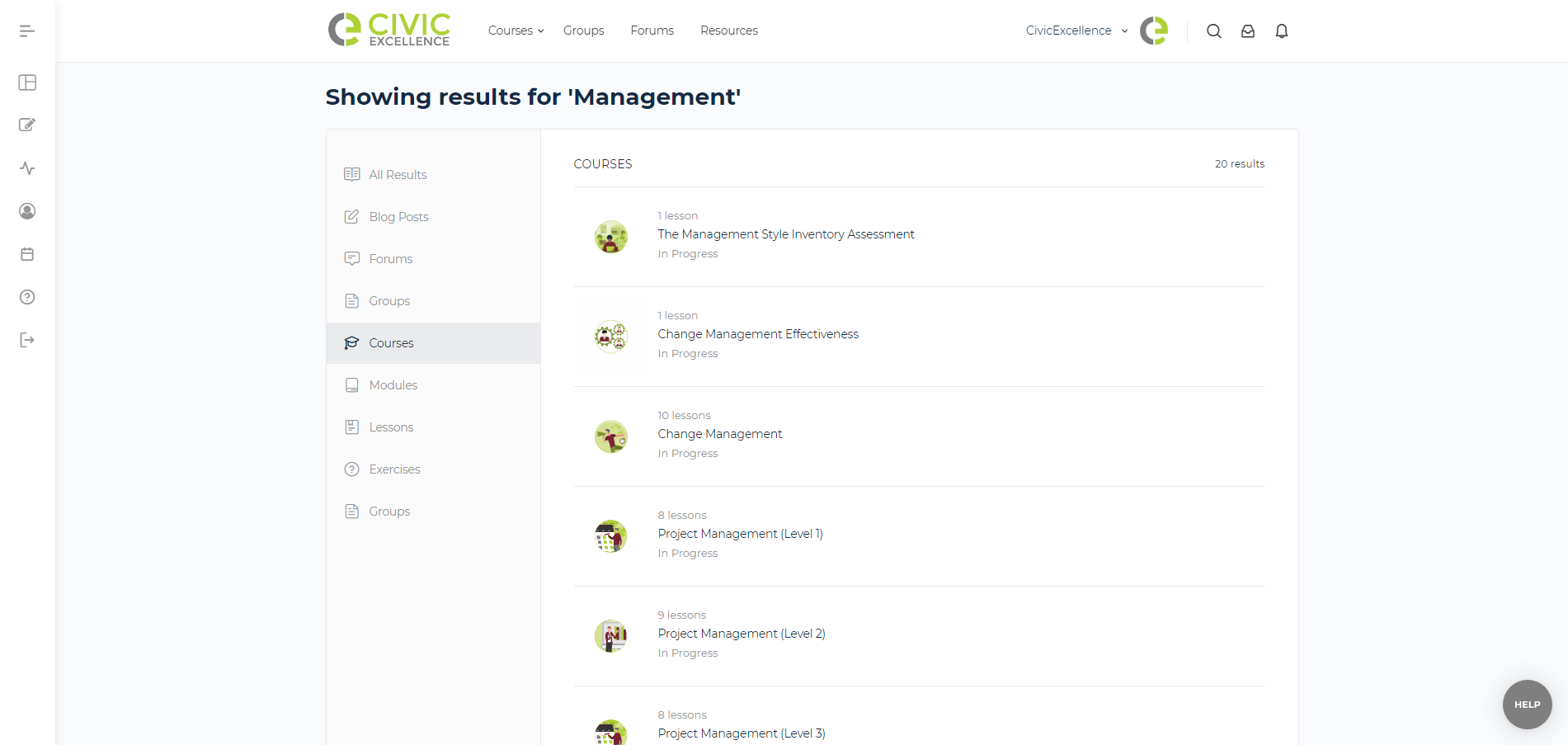
Instead of poking around looking at this or that, sometimes you want to get right to the point! The best way to do that is to search.
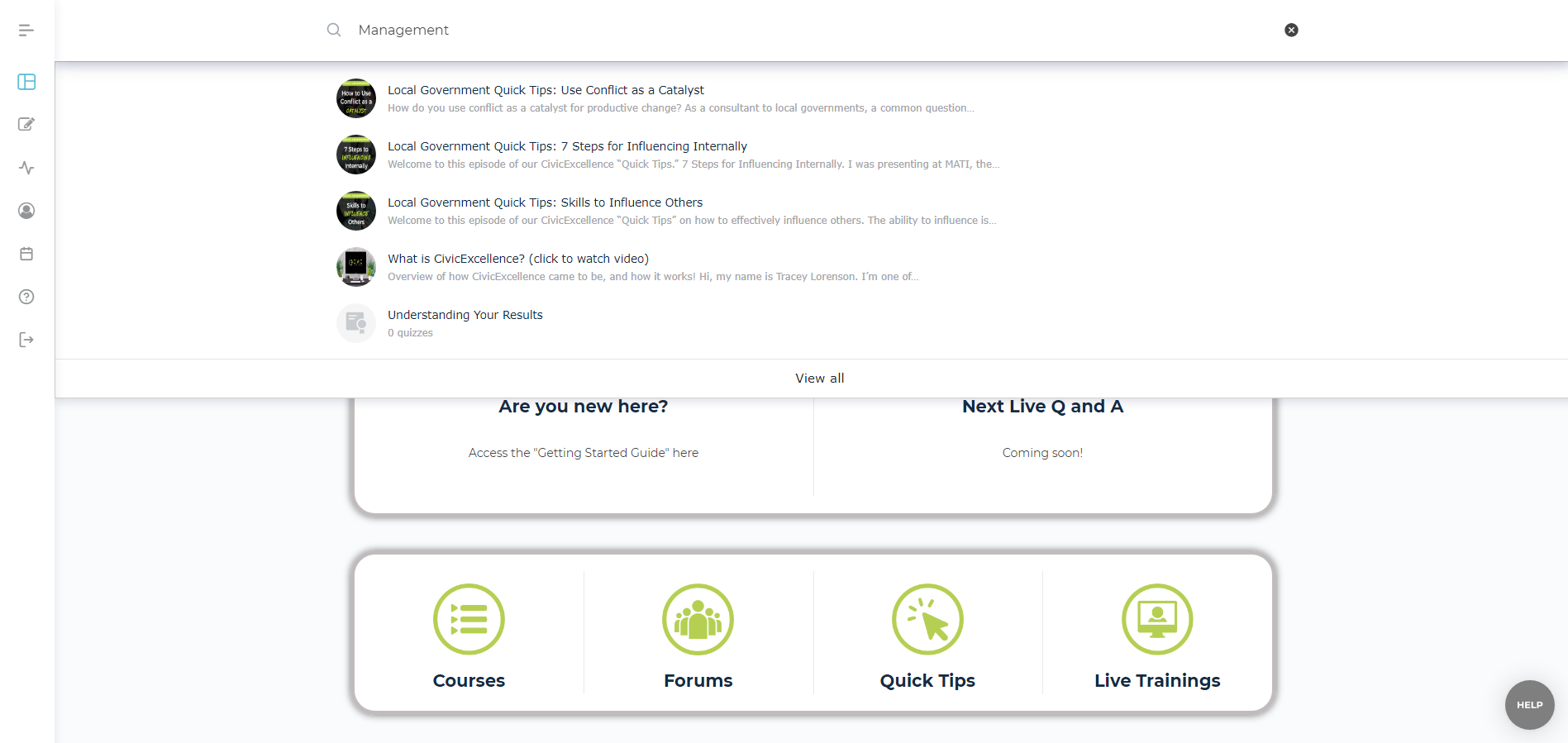
At the top right of the website, there is a magnifying glass icon for searching CivicExcellence. When you click the icon, the entire top menu turns into a search bar.

As you start to type something in the search box, the site will suggest items that match your criteria. If you find something that looks like what you want, you can click on the suggested result to go right to the result.
If you want more control of the results you can hit the enter key to go to the search results page. From there you can filter what type of results you want to be shown on the left – all results, blog posts, forum discussions or replies, members, and courses. On the right, the results are shown with an excerpt of the result. Clicking the search result title or icon will take you to that page.